
When It Comes To Color Grading, Boy Do I Have A LUT To Say!
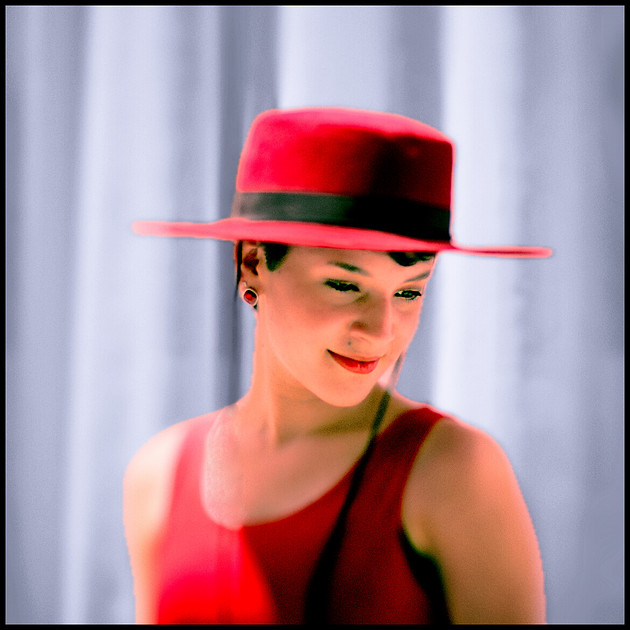
 When it comes to color grading video or still images, boy do I have a LUT to say! I have written about LUTs in previous posts, but this one goes further into this creative tool, and contains some very exciting news to boot.
So what is a LUT? In simple terms it stands for a “Look Up Table”, which is a file that tells a program that can utilize it how to “map” the colors and tones in an image file or video clip. Depending on how the LUT was created, what tools were used to alter the colors, will determine how it interacts with your image/clip. What does that mean? It means that the same LUT may “interact” differently with different files. It’s not like simply putting a color filter on a lens (or virtually in a program) and getting a global color shift over the entire image. LUTs are more complex in the subtle ways it maps color changes.
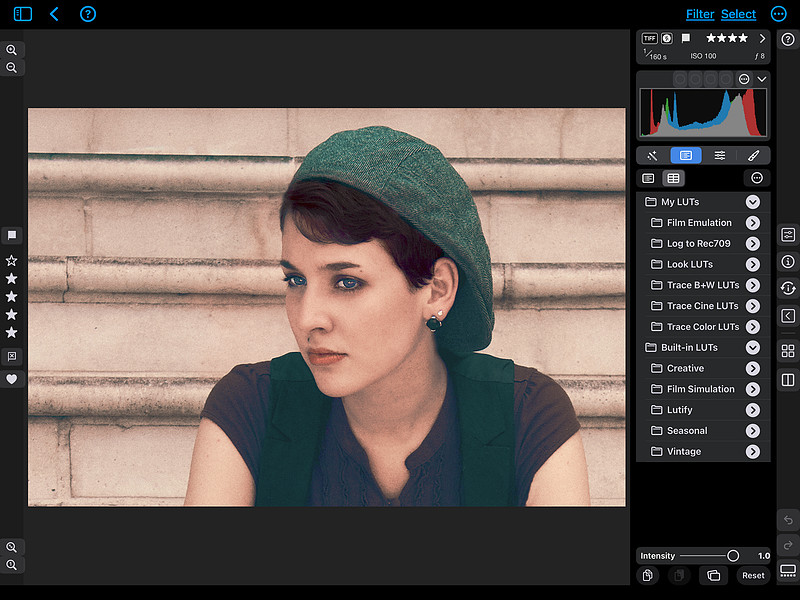
The way a LUT interacts or maps the shadows, mid-tones, and highlights in any given file is unique to the way that image is originally rendered and whether there has been any post-processing already applied before using a LUT. That’s why you can’t necessarily expect the same results from image to image or video clip to clip. It’s not a “global” adjustment in the traditional sense of that. As I said, it maps certain color information in the file and tells your program of choice to “change this color and value from X to Y.”
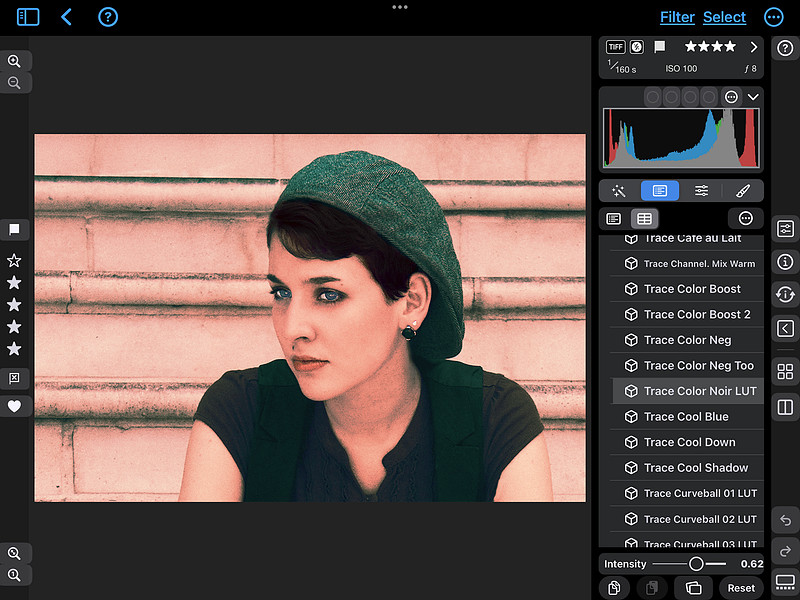 This example above has the Trace Color Noir LUT applied at 62% intensity, and shows how altering the intensity or opacity of a LUT can bring more subtlety to your work. The different color adjustment tools used to create the LUT are what makes a well designed one so unique. If your program of choice gives you the ability to adjust the intensity of any given LUT, all the better to add just the right amount of color change to suit your taste. In programs like Affinity and Photoshop you have added ability to apply LUTs in layers and change opacity and blend modes for some truly unique looks. Because of this unique quality of coloring with a LUT file, a favorite go-to LUT which gives some images the perfect touch simply don’t work the same on other images.
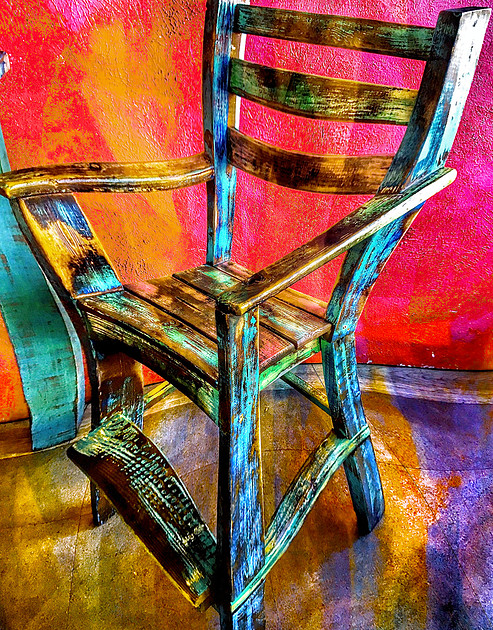
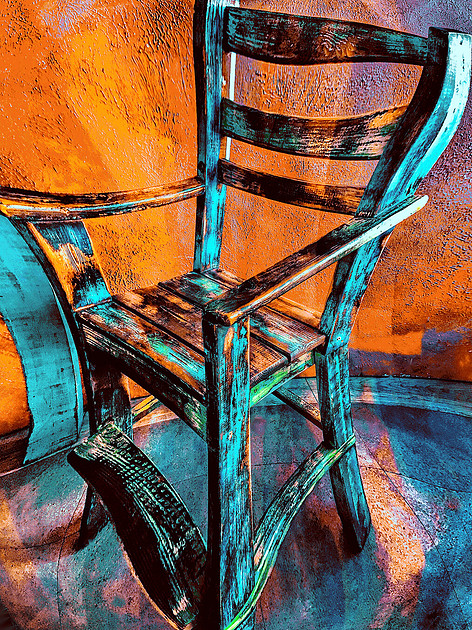
Utilizing different LUTs on the same image can give radically different color mapping, and if you are of a creative experimental nature like I am, it may be difficult to choose a favorite.
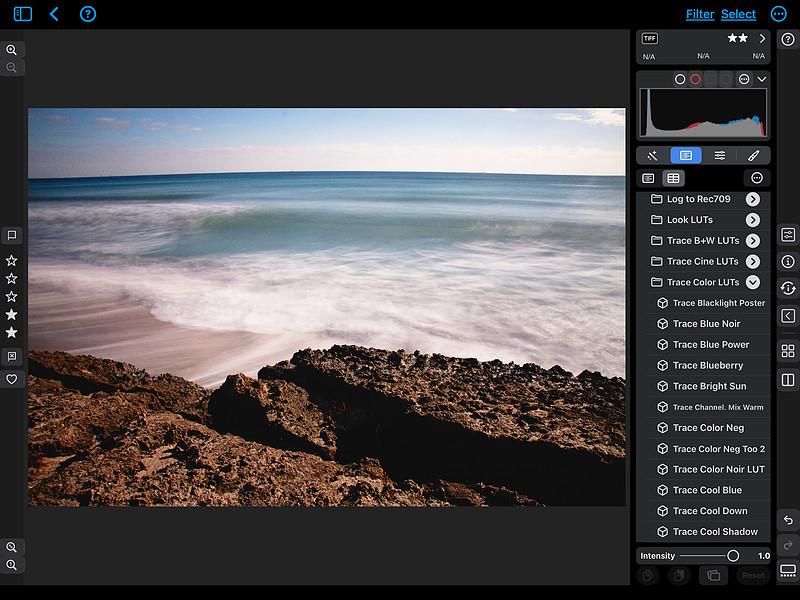 Ever since I’ve gotten onboard the LUT train and embraced the tool, I have gone through all of my galleries on this site and color graded most (though not all) of my existing images, and that, to quote poet Robert Frost, has made all the difference.
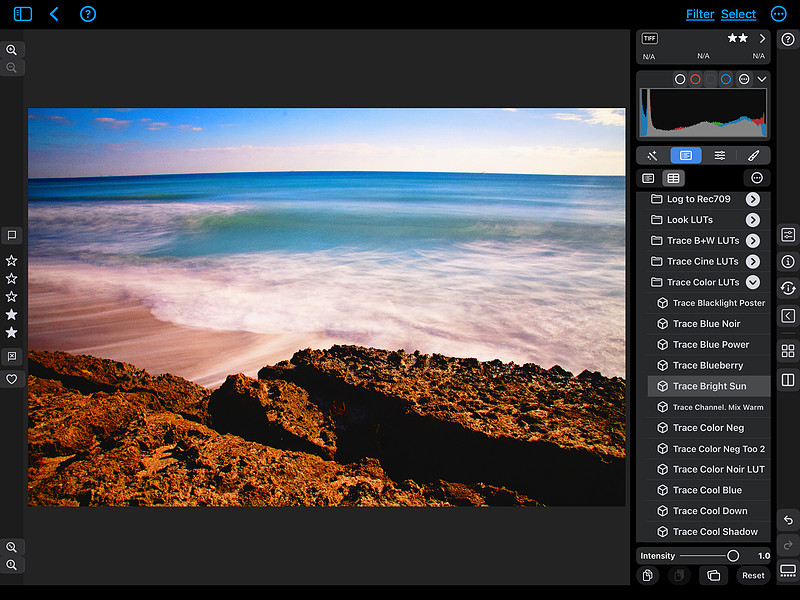 By utilizing LUTs in this way, my images have taken on a richer, fuller look that would’ve taken me much longer to have achieved by moving color tool sliders, once I figured out which ones to use!
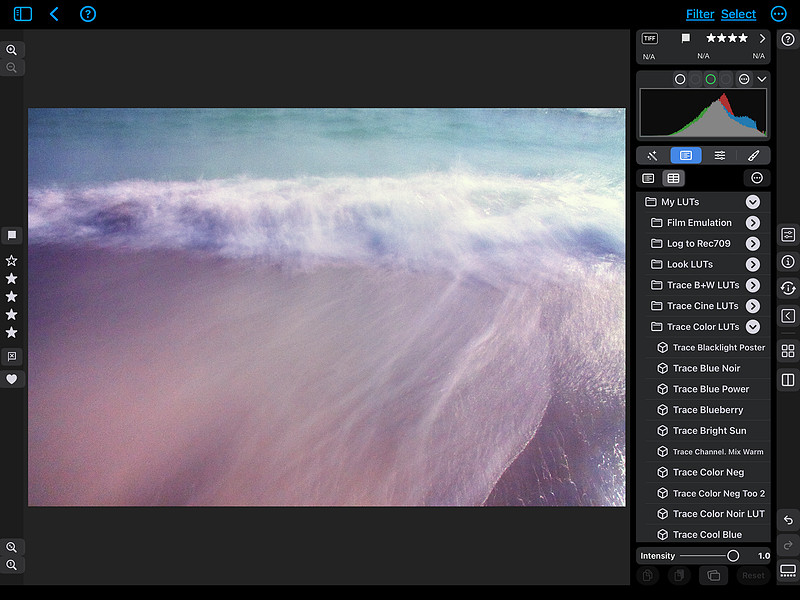
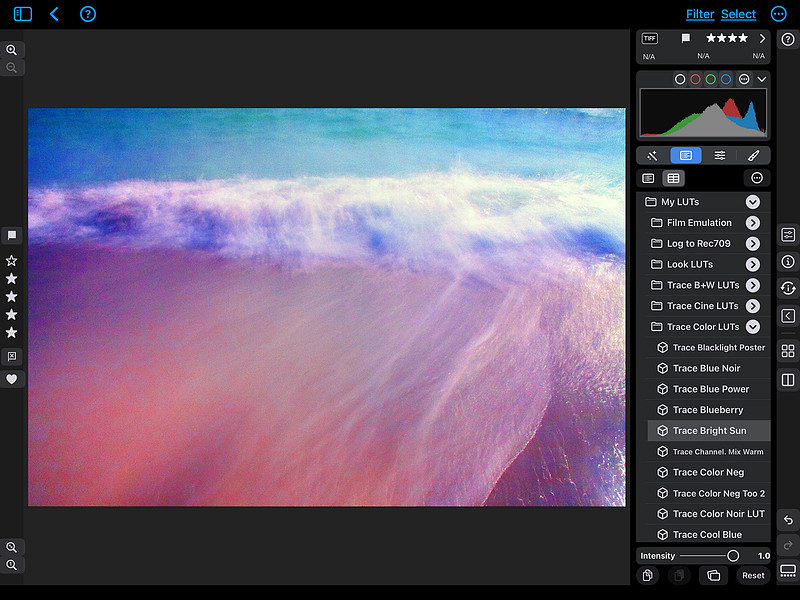 LUTs can be used at the beginning or end of your color grading workflow, with each choice giving you different results. For instance, if you apply a LUT at the beginning, you have the opportunity to use your other color correcting tools to modify the results to your taste, and you can easily see where you may want to make changes. Alternatively if you do various color changes to your file and then add a LUT after, you may get surprising results as the new color and tonal changes get “mapped” to the LUT.
 As you may have deduced from the screenshots above, I have created my own unique set of custom LUTs that I have loaded into my image editor of choice Nitro Photo which is a Mac only app available for the Mac, iPad and iPhone for one price. While I have a good number of LUTs (some come built into the Nitro Photo app) which I got from several sources, I felt compelled to create my own, and more often than not they are my go-to LUTs for my color grading needs. I’ll talk more about the collections at the end.
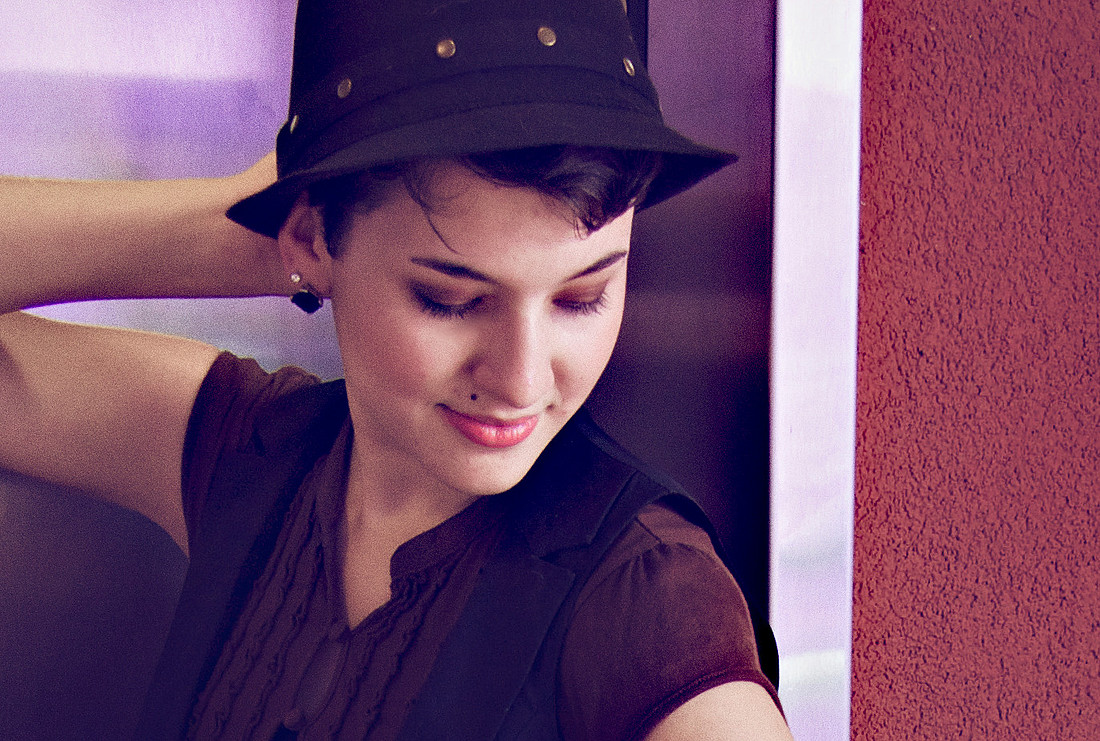 As shown from this original image, there are some truly unique “looks” you won’t find in any other LUT collections, guaranteed to set your work apart.
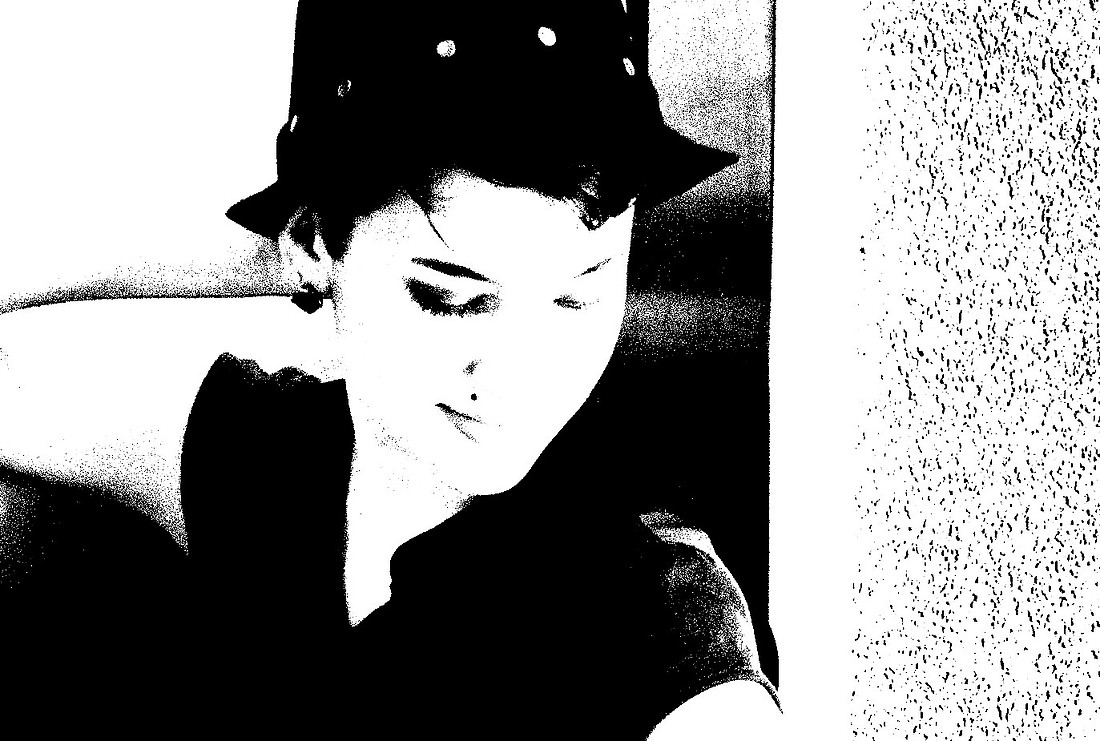 This LITHO FILM B&W emulation LUT is a favorite of this graphic film classic. With the right subject, still or video, it is a visually powerful and unique way of seeing. (I always thought this image and the LITHO LUT look would make a great record album cover.)
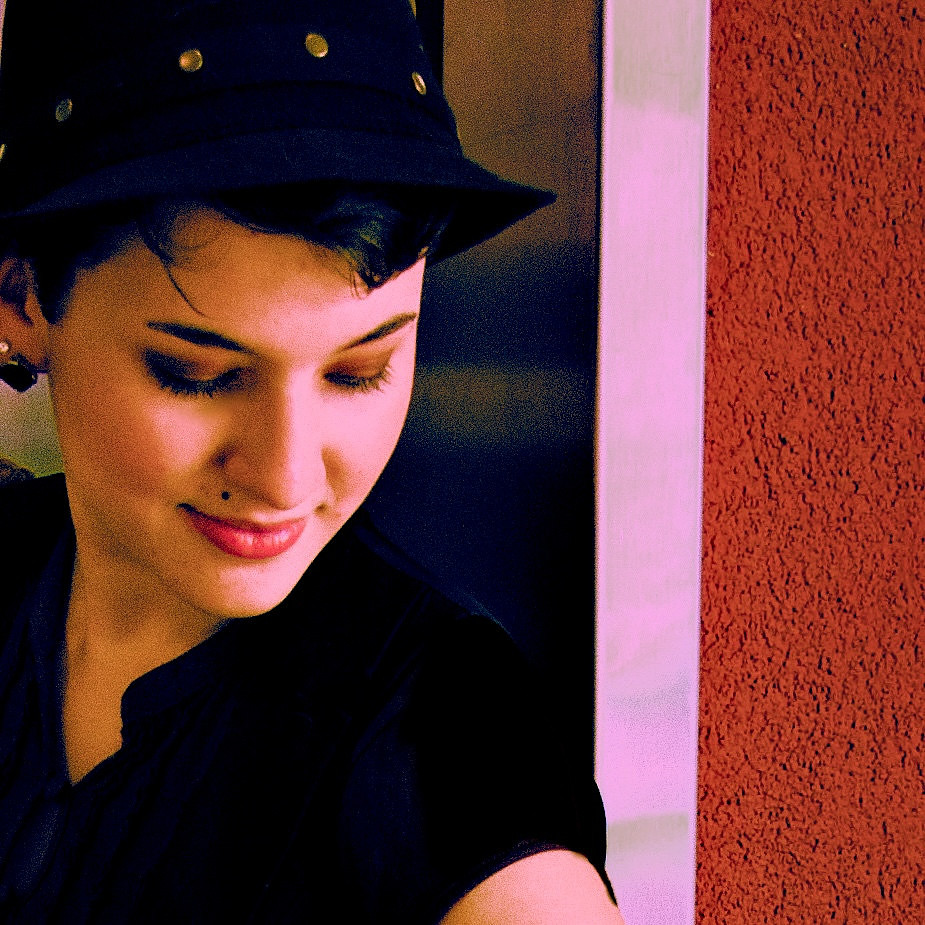 Applying the “DUNE 02 LUT” from my Cinema Collection Vol. 3 to this image which has gone through many iterations, I arrived at a look which I think brings out the best color and tones and is likely ( 😉) the final variation.
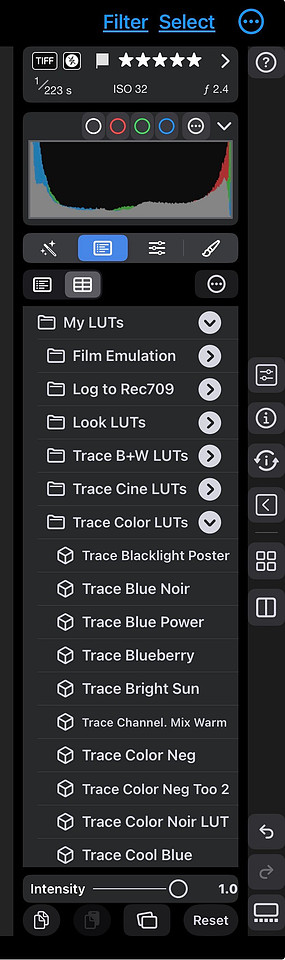 Whichever program you chose to use your collection of LUTs with, it’s imperative that you keep them well organized so your workflow flows and you can more easily find what you need quickly. Nitro Photo has a great system for keeping LUTs organized, and the great thing about LUTs created in the industry standard .Cube format is both photo and video editors can use the same files. Purchase once, and use them on both types of work. *Now oddly some programs like Adobe Lightroom and Capture One Pro aren’t compatible with the standard .Cube file format, so you either have to rely on a workaround or do without 😢. It is 2025/2026, right? 🤷🏻♂️
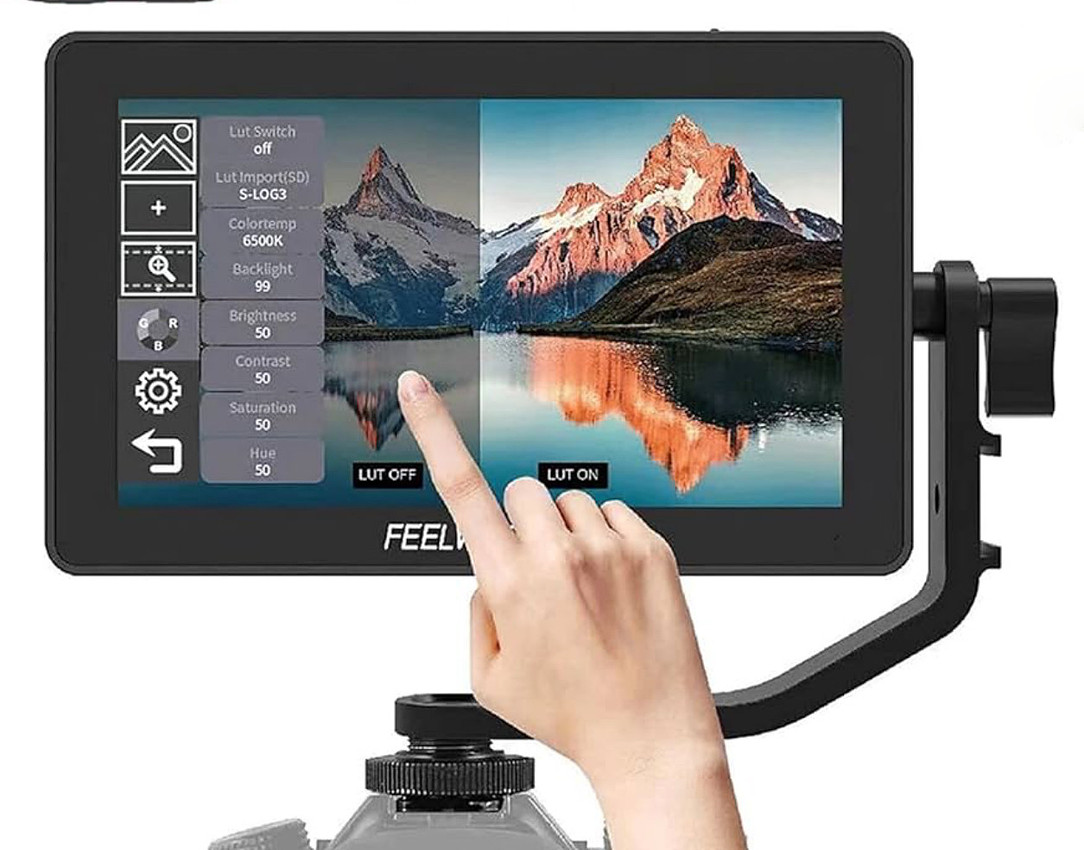 Now there are a number of cool ways you can utilize LUTs before you get to the editing phase of your workflow. For example if you are shooting video and you use an external monitor on your camera (a must have piece of gear to get the most out of your shooting experience), you can load a number of LUTs onto an SD card and inset that into your monitor to preview what your footage will look like ahead of time.
The Look of Cinema for Mobile Devices:
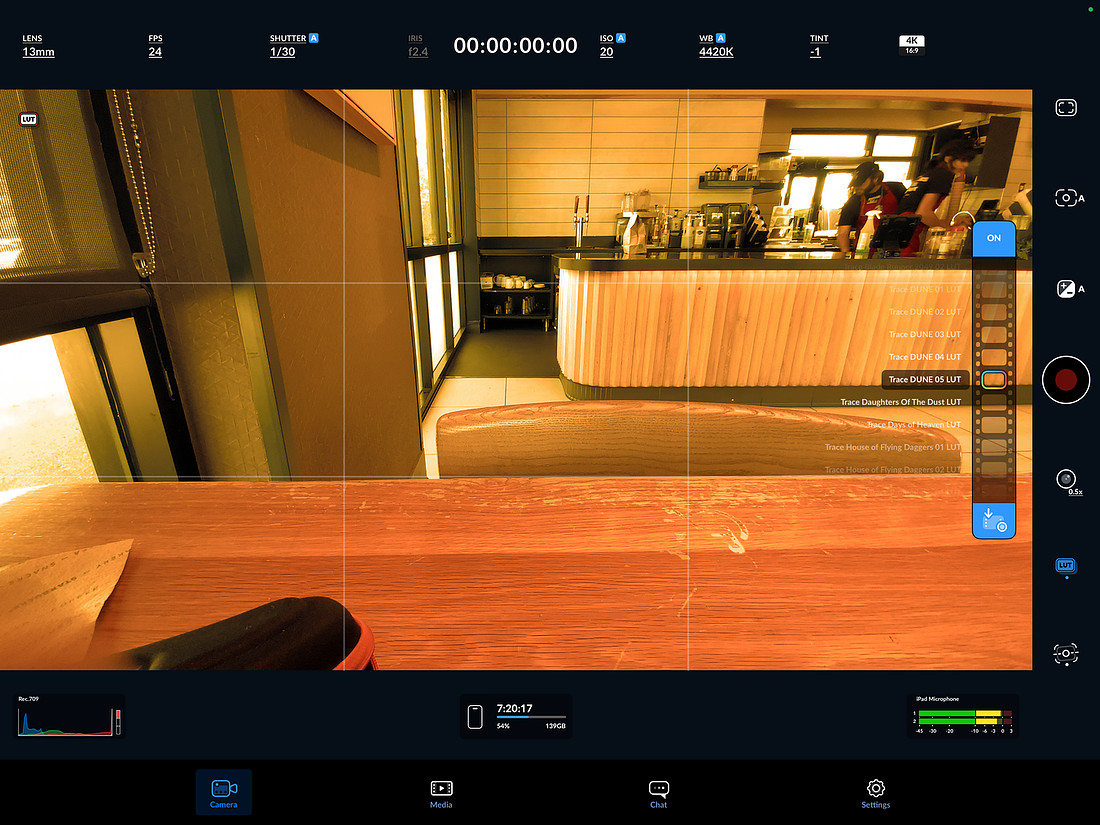 And if you happen to be a mobile filmmaker like me, you can get the free Blackmagic Camera app for iPhone and iPad and load custom LUTs into it to either preview how a scene will look, or if you choose you can even apply the LUT to your footage and save it already color-graded. This is pretty brilliant stuff, and I’ve loaded my Cinema LUTs collection into both the iPhone and iPad versions.
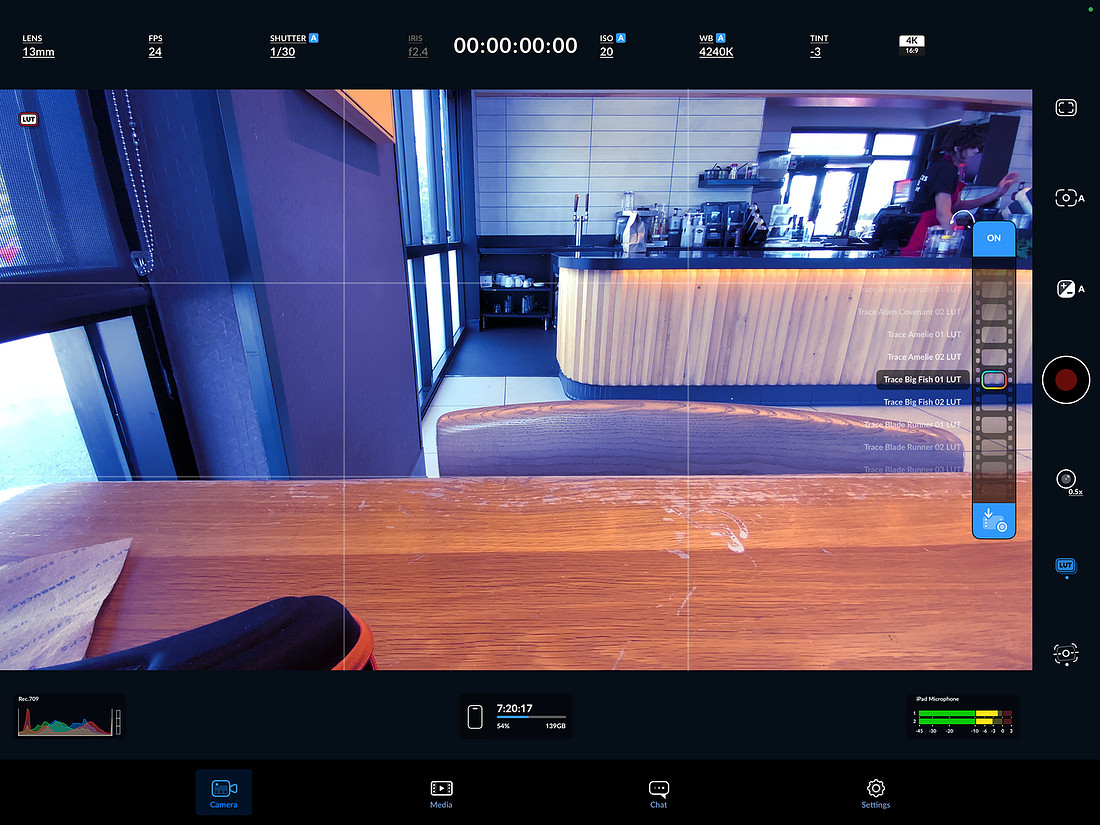
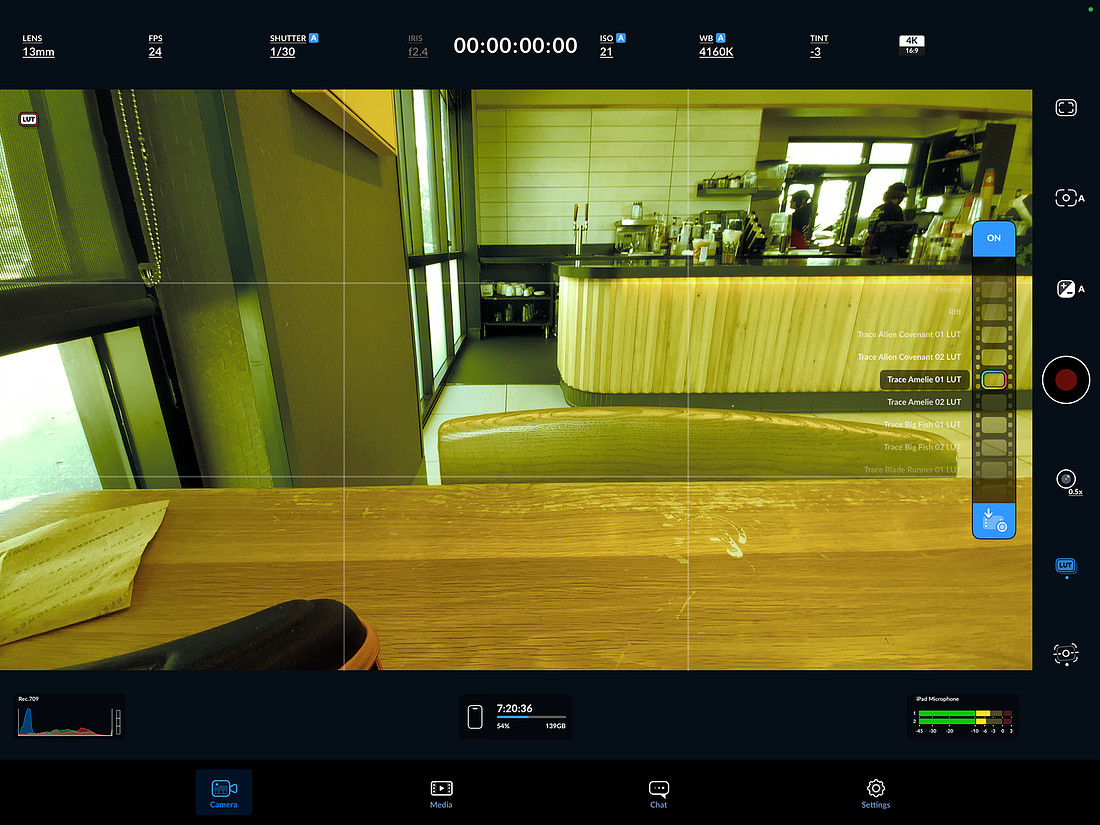
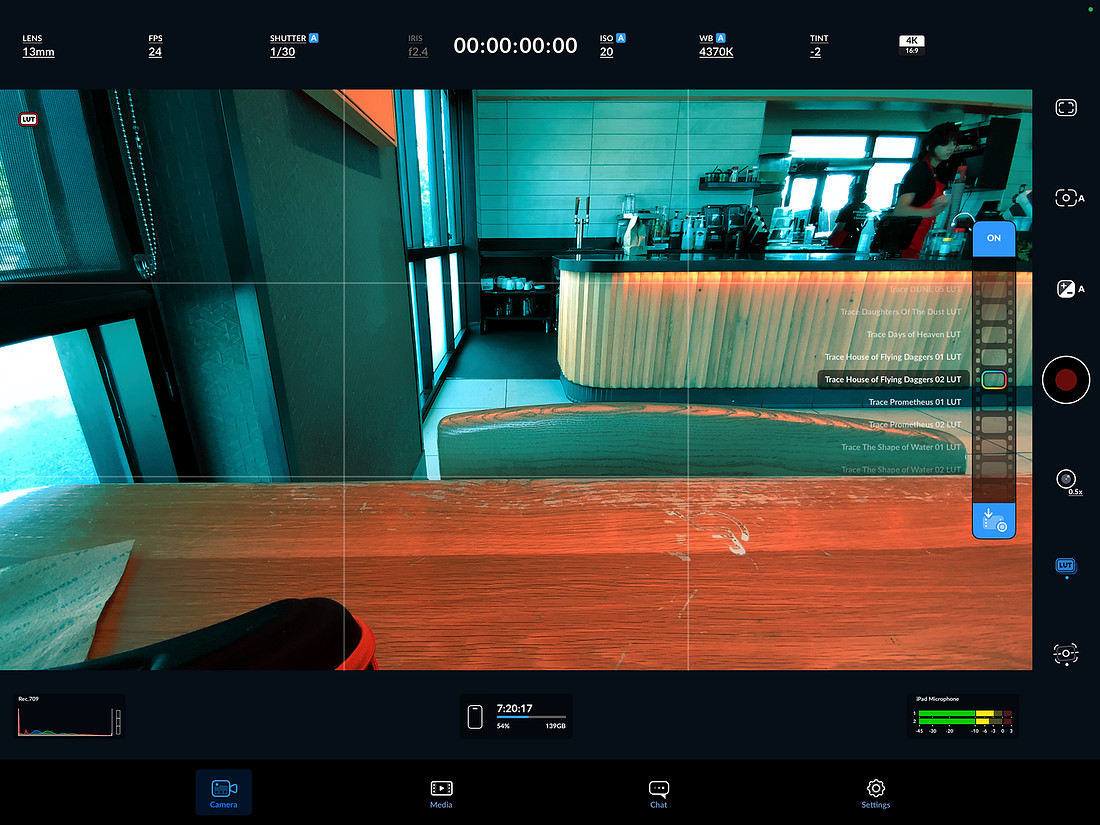
So you can see there are a great deal of advantages to using LUTs in your workflow, whether that’s photography, filmmaking, or a hybrid of both.
In a “mobile” app on the iPad such as LumaFusion, a robust video editor, you can not only load custom LUTs but you can also stack them (and alter their blending) for really unique looks! By changing the stack order you can also alter the looks further… amazing!
How To Get The LUT Collections:
Now if you’ve stayed with me this far, you’re pretty intrigued about LUTs and how you can use them to make your work unique with added impact. So a little bit about each collection which you can purchase at the bottom of each of their pages, or go to the In Store menu in the top navigation bar and click the drop-down menu to go to each page.
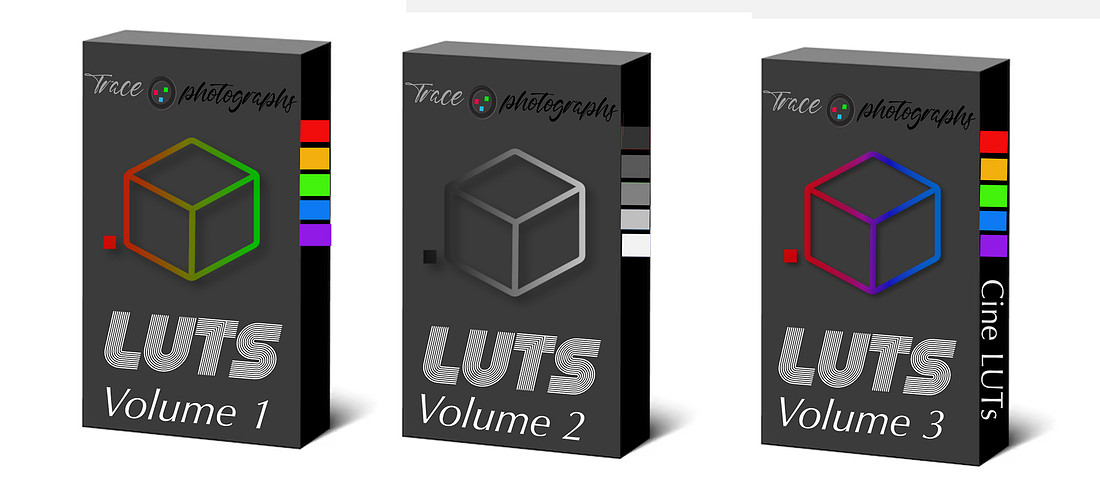
Volume1 (which you can see here) is full of 60 custom color LUTs created with a variety of color and tone modifying tools to offer you some very unique looks, many you won’t find anywhere else. Some are quite subtle in their color changes, while many others are bold and make a strong statement. All can be modified with lower intensity or opacity sliders as your software allows. All of the LUTs on the example pages have been applied at 100% intensity.
Having been immersed in analog photography for a long time, I wanted to create a collection of LUTs that in some ways mimicked the look of those processes and films, as well as pay homage to the bold, contemporary mix of looks more easily achieved with digital color tools.
 Volume 2 (which you can see here) is the Black & White collection that contains some of my favorite analog processes and film styles as well as classic looks such as “Film Noir” and “Perfect B&W” which will render your colors in the perfect corresponding tones of the greyscale. This collection has my unique formula for creating Solarized B&W images with ease, and the graphic pure black and white high contrast look achieved with the LITHO film process.
 With Volume 3 (which you can see samples here) we explore the worlds and looks of a few of my favorite cinema films and the color-grading that gave them such intriguing impact. This was the most fun collection to research and create, and the fact that you can go as bold or subtle as you like with these LUTs bringing a whole new realm of possibilities to your images or footage.